Google Docs updates from August 2015
4 updates to Google Docs were tracked in August 2015.
-
2015-08-24Content & Collaboration
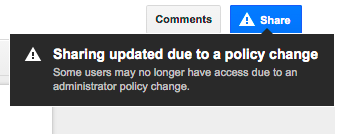
Hover over the Share button in Google Docs, Sheets, and Slides to see warnings if sharing settings are invalid.
Starting August 24, 2015, users with permission to edit a file's sharing settings in Google Docs, Sheets, or Slides will see a warning when hovering over the Share button if sharing settings are invalid. This warning appears if sharing outside the employee's domain is disabled, if sharing into the recipient's domain is disabled, or if 'anyone' sharing options are restricted, providing increased visibility into file sharing restrictions.
Release: Both • Rapid: 2015-08-24 • Scheduled: 2015-08-24 -
2015-08-20Content & Collaboration
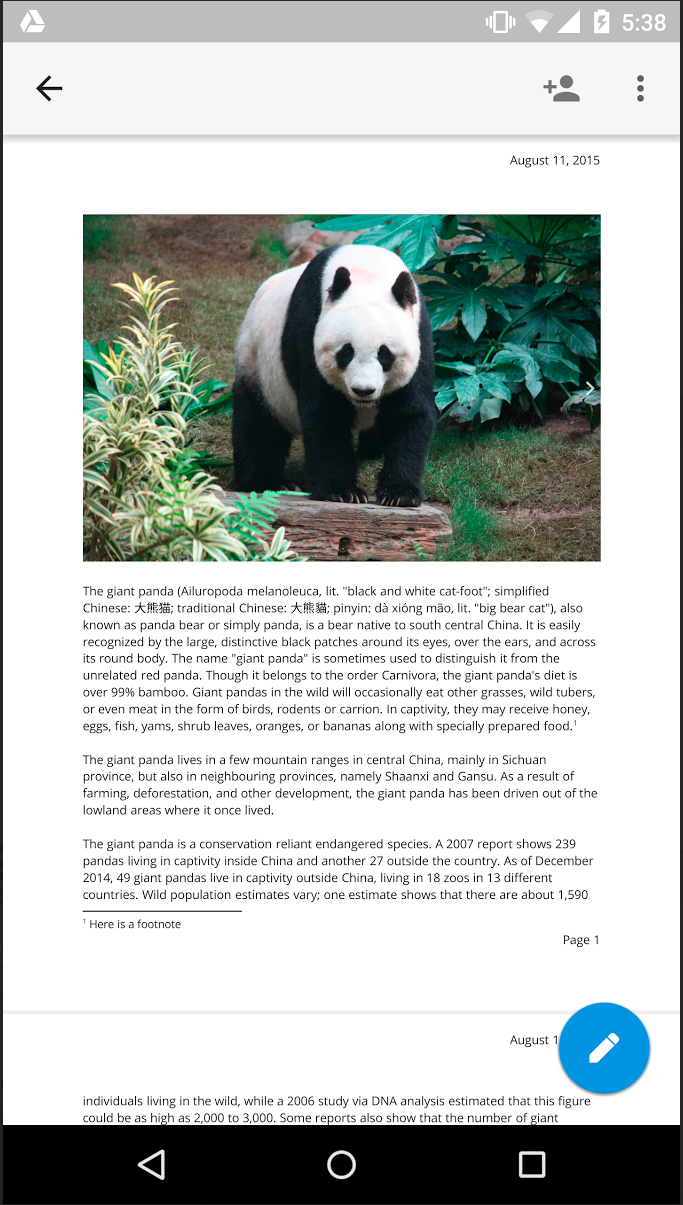
Print Layout view in Google Docs for Android and iOS
Users can now select Print Layout from the overflow menu in the Google Docs app on Android and iOS to view a fully paginated, read-only version of their document. This feature is currently in beta, with editing capabilities planned for future rollouts.
Release: Both • Rapid: 2015-08-20 • Scheduled: 2015-08-20 -
2015-08-10Content & Collaboration
New owners of Google Docs, Sheets, and Slides files now receive all comment notifications.
When ownership of a document, spreadsheet, or presentation is transferred to a new owner, the new owner will now receive all email notifications for any comments added to the file. Previously, the 'all notifications' setting remained with the original owner. Following this change, previous owners will only receive notifications if they are explicitly mentioned in a comment, similar to other collaborators.
Release: Both • Rapid: 2015-08-10 • Scheduled: 2015-08-10 -
2015-08-04Other
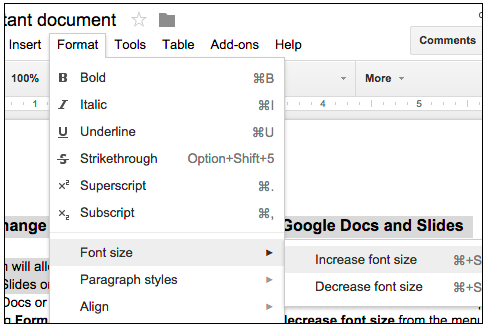
Easily change the relative font size of text in Google Docs and Slides.
Users can now increase or decrease the relative font size of selected text or textboxes in Google Docs and Slides in 1-pt increments by navigating to Format > Font size. If the selected text contains multiple font sizes, each will be increased or decreased accordingly.
Release: Both • Rapid: 2015-08-04 • Scheduled: 2015-08-04