All Google Meet updates
373 updates to Google Meet tracked so far.
-
2023-06-02Comms & Meetings
Google Meet increases maximum meeting capacity to 1,000 attendees for select Enterprise and Education editions.
Google Workspace Enterprise Plus, Enterprise Essentials Plus, and Education Plus customers can now scale their meetings to a maximum of 1,000 attendees, with up to 500 of those attendees being viewers. This represents an increase from the previous limit of 500 contributors for Enterprise Plus and Enterprise Essentials Plus.
Release: Both • Rapid: 2023-06-02 • Scheduled: 2023-06-02 -
2023-06-02Comms & Meetings
Google Meet introduces viewer mode to better control meeting flow for large events.
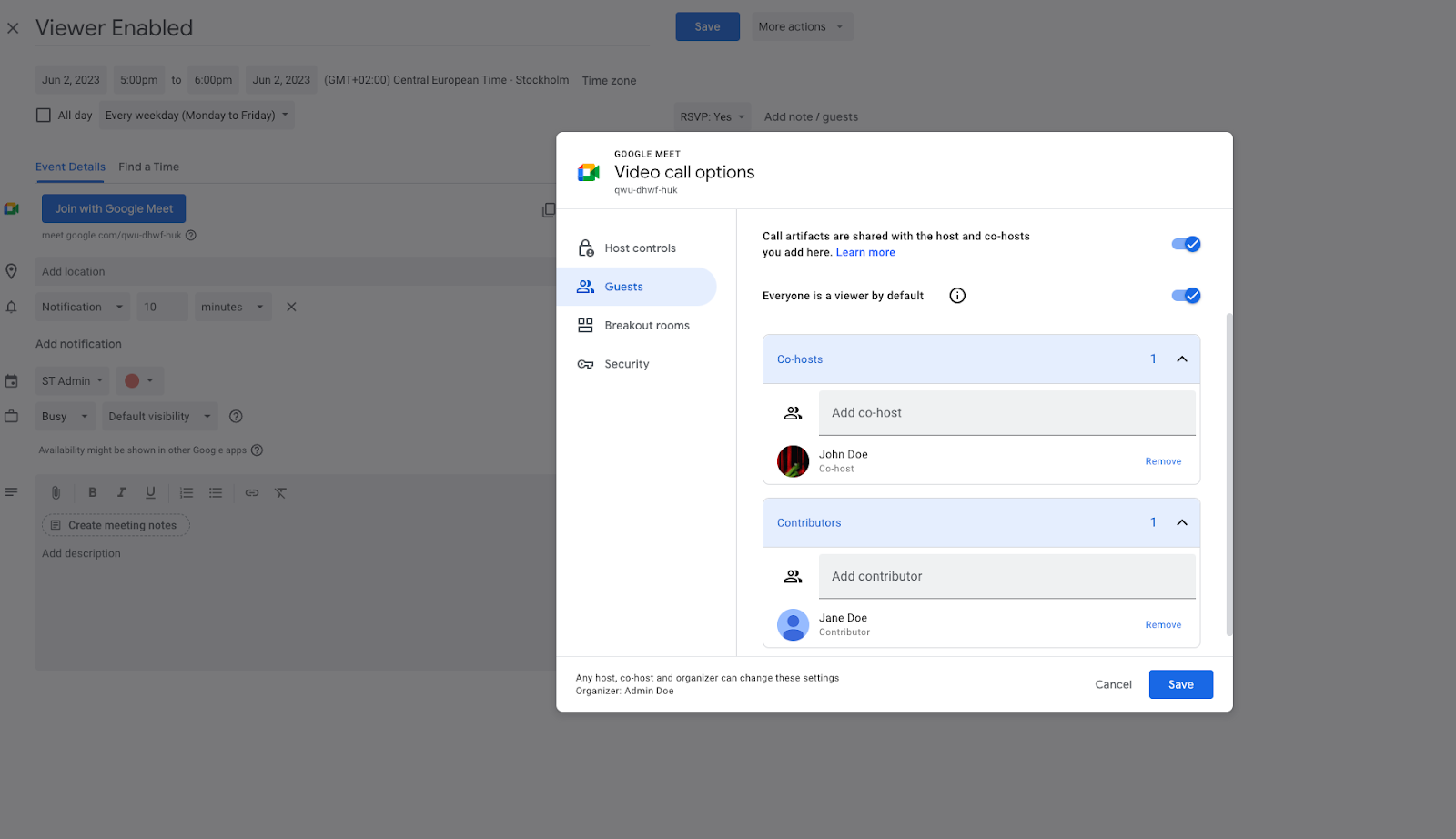
Google Meet now allows hosts to designate attendees as 'viewers' when creating Calendar invites. Viewers are unable to share their audio or video, which helps reduce distractions during large-scale meetings like webinars or town halls. Hosts can transition viewers to contributors via the people panel. While viewers can use Q&As and polls, support for in-meeting chat and emoji reactions is planned for a future update.
Release: Both • Rapid: 2023-06-02 • Scheduled: 2023-06-02 -
2023-06-01Comms & Meetings
.png)
Simplified controls for meeting access in Google Meet are introduced replacing Quick access settings.
We’re introducing simplified controls for meeting access in Google Meet. These will replace the existing Quick access meeting settings and the admin setting to turn Quick access on or off by default will be removed. This update will begin rolling out on July 17, 2023.
Release: Scheduled • Scheduled: 2023-07-17 -
2023-05-26Comms & Meetings

Pin multiple participants from Google Meet Hardware devices
Users can now pin multiple video tiles using Google Meet hardware to highlight speakers, presentations, and other key attendees, ensuring a consistent pinning experience across desktop, mobile, and conference room devices.
Release: Both -
2023-05-26Comms & Meetings
Improving the Google Meet experience on foldable devices
Google Meet now features an improved experience for foldable devices in tabletop mode, where the grid layout and control bar automatically adjust to better suit the device for easier interaction during meetings.
Release: Both -
2023-05-24Comms & Meetings
Client-side encryption is now supported for in-meeting chat messages in Google Meet.
Google Meet is extending client-side encryption (CSE) to include in-meeting chat messages. This ensures that all chat messages are encrypted and inaccessible to any third party, including Google, providing users with direct control over their encryption keys and the identity service used for authentication.
Release: Both • Rapid: 2023-05-24 • Scheduled: 2023-06-26 -
2023-05-24Comms & Meetings
If you’re using client-side encryption for Meet, in-meeting chat will now be supported.
If you’re using client-side encryption for Meet, in-meeting chat will now be supported. As with the audio and video content of your client-side encrypted meetings, all in-meeting chat messages will be encrypted and inaccessible by any third party, including Google.
Release: Both • Rapid: 2023-05-24 • Scheduled: 2023-06-26 -
2023-05-12Comms & Meetings
Admin privileges for Google Meet hardware devices have been expanded.
Google has expanded the administrative privileges available for managing Google Meet hardware devices, providing admins with more control over their hardware fleet.
Release: Both -
2022-09-02Comms & Meetings
Google Meet now automatically adjusts the volume of meeting participants to ensure everyone is equally loud.
Meet will adjust the audio of all participants, helping to ensure everyone is equally loud. Noise cancellation must be turned on to take advantage of this feature.
Release: Both -
2022-09-02Comms & Meetings
Google Hangouts on web will redirect to Google Chat on web starting November 1, 2022, and Hangouts will no longer be accessible.
Beginning November 1, 2022, Google Hangouts on web will redirect to Google Chat on web, and Hangouts will no longer be accessible. Admins will receive an email containing more information about this change, as well as changes in Vault and exporting Hangouts data.
Release: Both • Rapid: 2022-11-01 • Scheduled: 2022-11-01 -
2022-09-02Comms & Meetings
Google Hangouts on web will redirect to Google Chat on web starting November 1, 2022, and Hangouts will no longer be accessible.
Beginning November 1, 2022, Google Hangouts on web will redirect to Google Chat on web, and Hangouts will no longer be accessible. Admins will receive an email containing more information about this change, as well as changes in Vault and exporting Hangouts data.
Release: Both • Rapid: 2022-11-01 • Scheduled: 2022-11-01 -
2022-07-21Comms & Meetings

Google Workspace users can live stream meetings publicly via YouTube.
Once enabled by an Admin, Google Workspace users can live stream meetings publicly via YouTube. You can initiate a live stream in Meet by navigating to Activities panel > Live Streaming and selecting your channel from the list. Live streaming is useful in situations where you want to present information to large audiences outside of your organization, giving them the opportunity to pause and replay as needed, or view the presentation at a later time.
Release: Both • Rapid: 2022-07-21 • Scheduled: 2022-07-25 -
2022-06-17Comms & Meetings
Picture-in-Picture and multi-pinning available for Google Meet in Chrome
We’re bringing picture-in-picture to Google Meet to Chrome browsers on the web. You’ll be able to see up to four video tiles of meeting attendees in a floating window on top of other applications.
Release: GA • Rapid: 2022-06-17 • Scheduled: 2022-06-17 -
2022-02-01Comms & Meetings
Classic Hangouts will be upgraded to Google Chat beginning March 22, 2022.
Beginning March 22, 2022, the “Chat preferred” setting will be turned on for any customers who haven’t already done so, making Google Chat the default chat application. This means that when users visit classic Hangouts in Gmail on the web or the classic Hangouts mobile apps, they’ll be directed to Chat. Hangouts.google.com will continue to work.
Release: Both • Rapid: 2022-03-22 • Scheduled: 2022-03-22 -
2022-01-13Comms & Meetings
Activity notifications are being introduced for Google Meet hardware and Nest Hub Max.
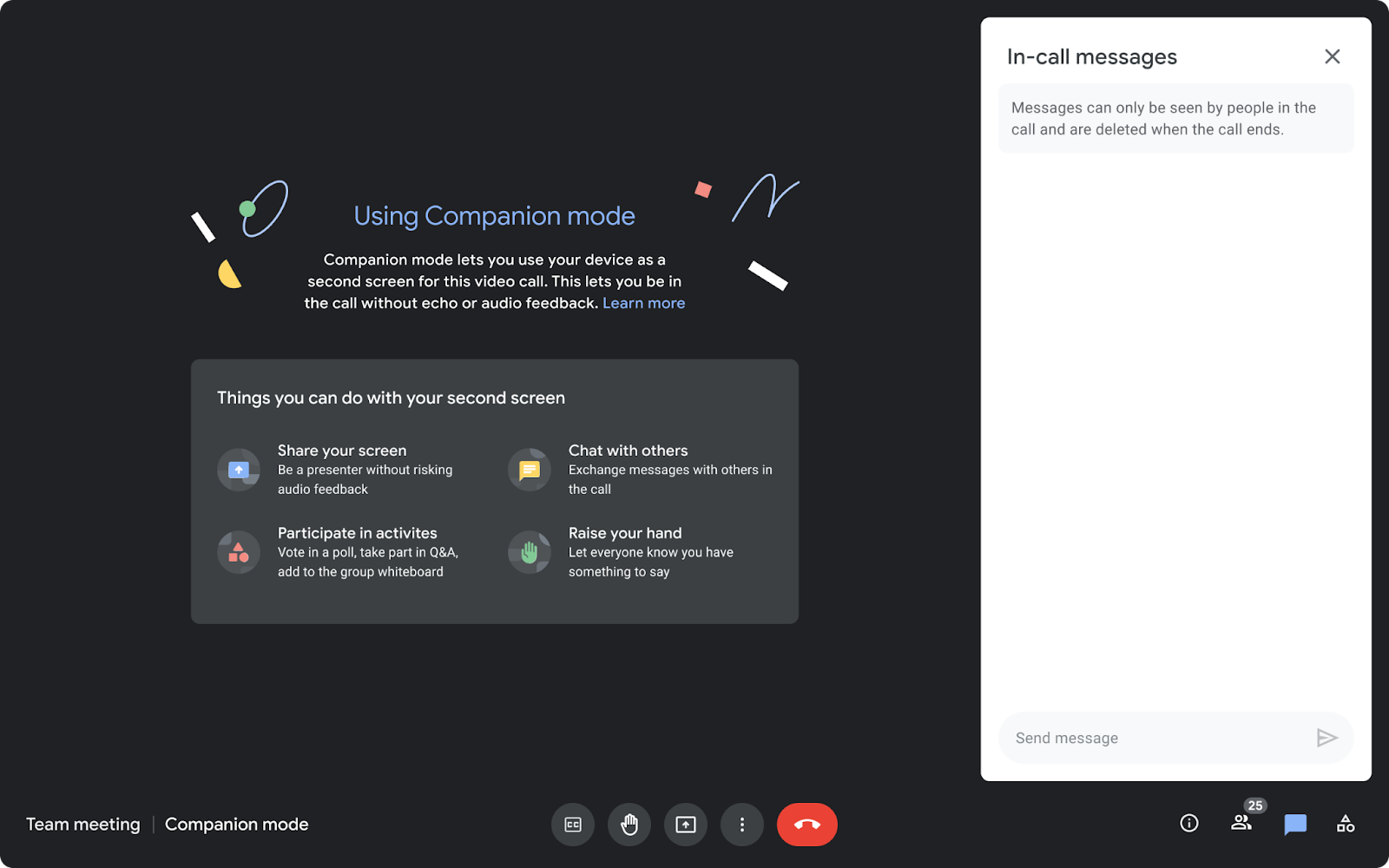
Google Meet hardware and Nest Hub Max devices will now display prompts when chat messages are sent or other interactive activities are initiated in a meeting, encouraging users to utilize Companion mode to participate.
Release: Both • Rapid: 2022-02-02 • Scheduled: 2022-02-02